StockEase Logo
Version 1.5.4 Released

StockEase

Fast, intuitive, and secure inventory management system built for Windows PC.
Download StockEase for PC Get on Google Play
Windows 10 / 11 (64-bit) • StockEase_Setup.1.5.4.exe (~19.9 MB)

App Screenshots

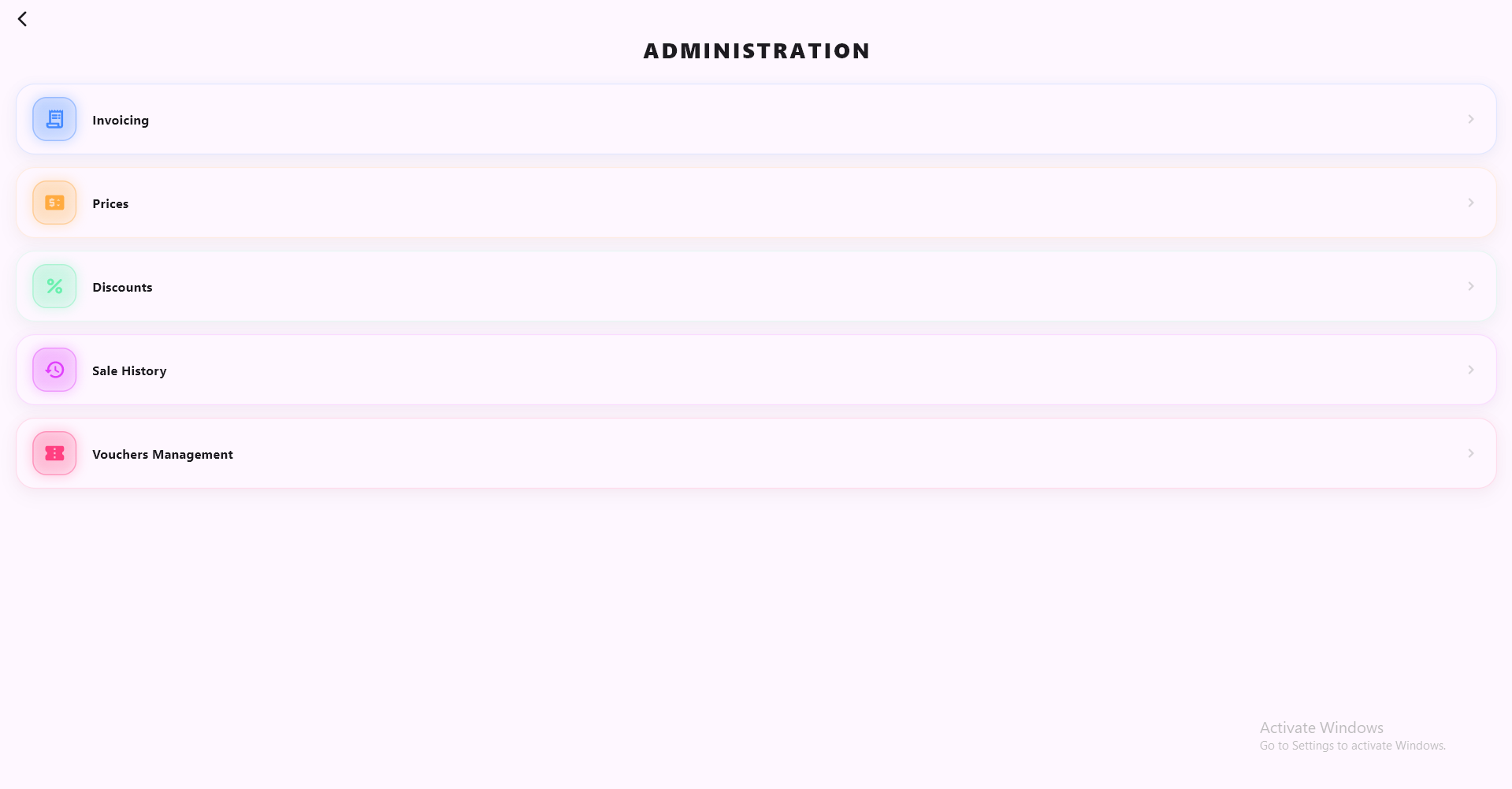
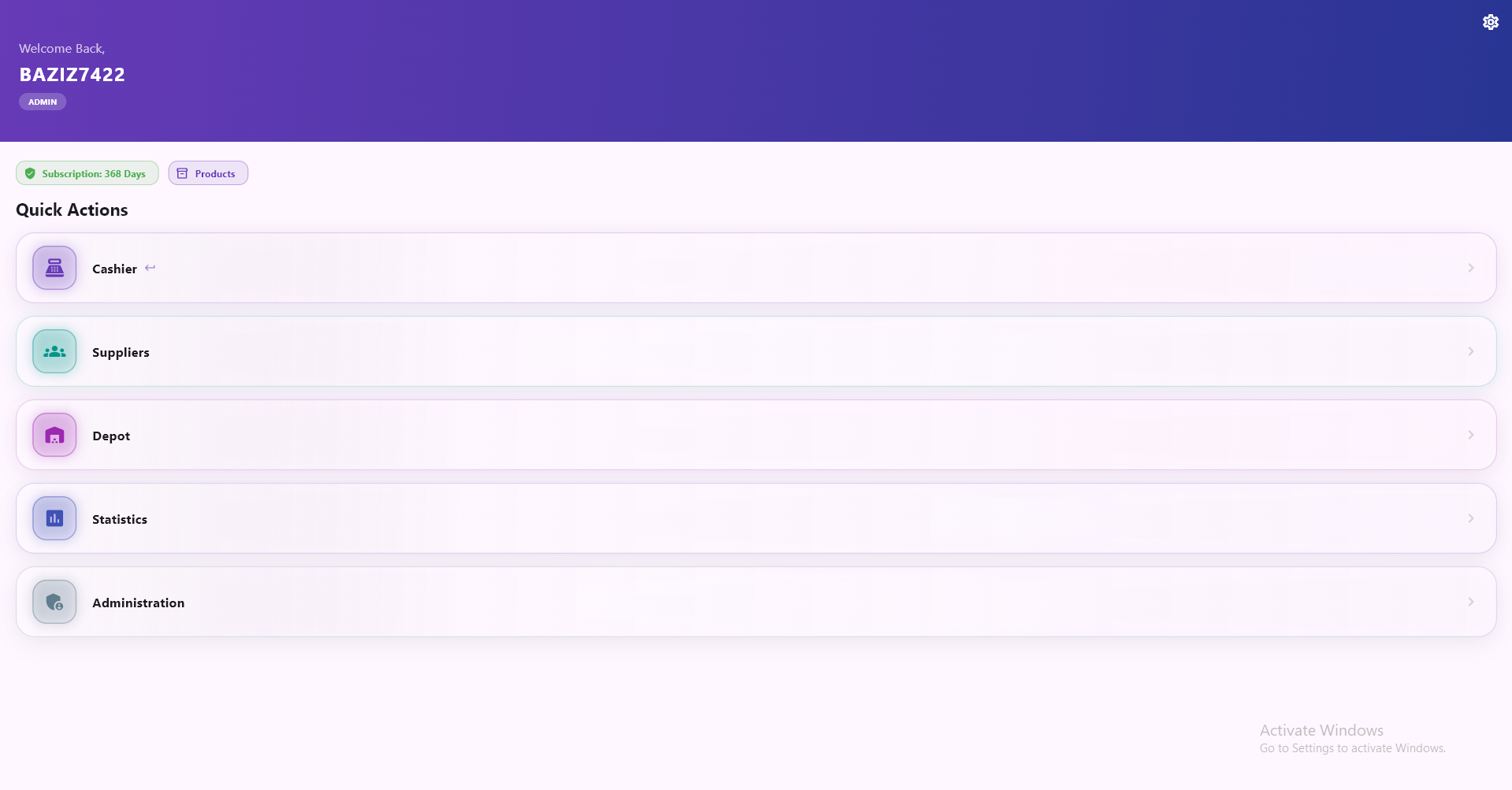
StockEase Dashboard StockEase Cashier

Key Features

⚡ High Performance

Designed for instant stock lookups, rapid product additions, and quick inventory updates.

📊 Real-time Analytics

Track your stock quantities, low stock alerts, and sales movements seamlessly.

🔒 Safe & Offline Ready

Your local database stays secure on your PC, ensuring data safety and privacy.

✨ What's New in v1.5.4

  • Added A4, 80mm, and 58mm paper size presets in Settings.
  • Improved cashier checkout flow and automatic cart closure.
  • Smart supplier deletion that protects existing product stock.
  • Depot empty-state handling with pull-to-refresh.
  • Added official Website & Social Media shortcuts in Settings.
  • Updated version tracking and stability enhancements.

🖥️ System Requirements

  • OS: Windows 10 or Windows 11 (64-bit)
  • Processor: 1.6 GHz or faster
  • Memory: 2 GB RAM minimum
  • Storage: 150 MB available space

Frequently Asked Questions

How do I install StockEase on my PC?

Download the StockEase_Setup.1.5.4.exe file using the button above, double-click to run the installer, and follow the on-screen instructions.

How do I update to a newer version in the future?

When a new version is released, simply download the latest setup file and run it. Your existing inventory data will remain intact.

Privacy Policy | Terms of Service